

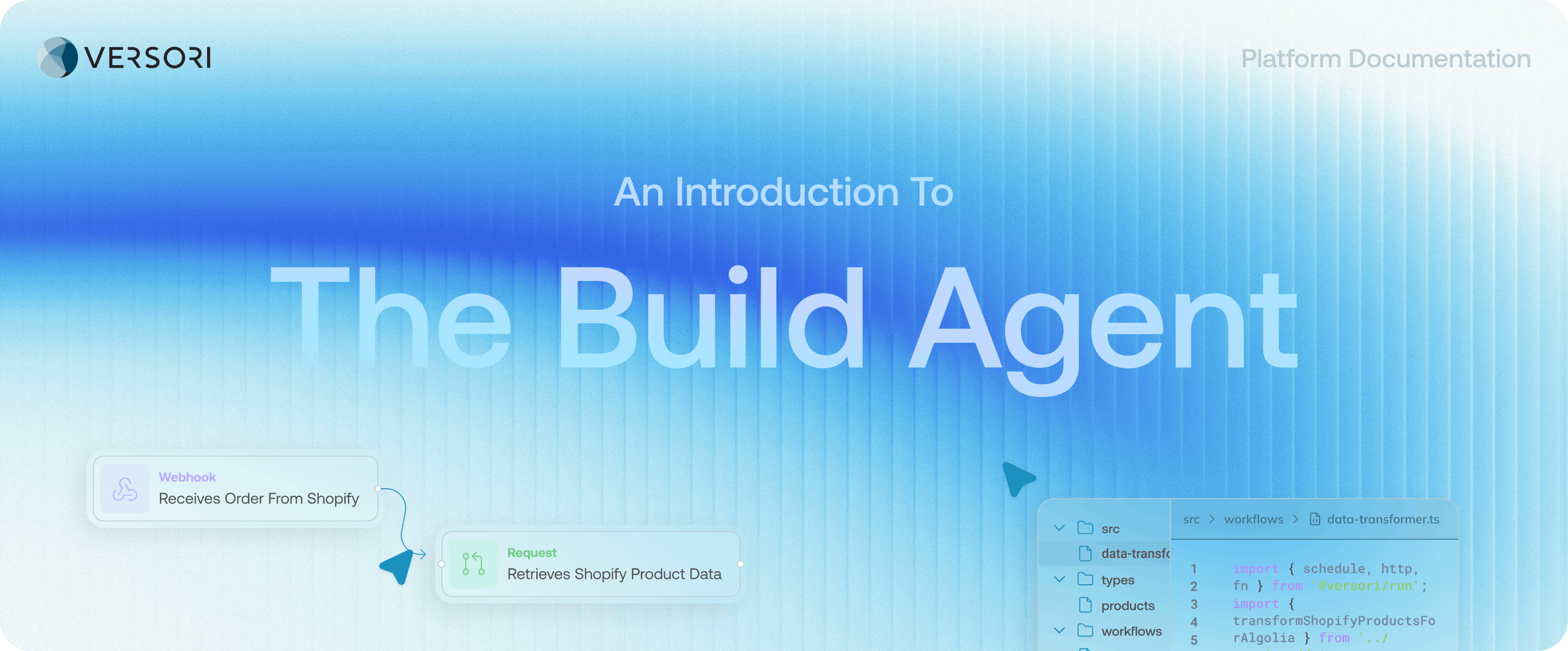
Build Features:
Code
Use the in-browser IDE with AI assistance to implement workflows tailored to your integration. Focus areas include:- Workflows: Define triggers, actions, schedules, and branching logic for your integration.
- Data Mapping: Transform and validate payloads between systems, handling the edge cases identified during planning.
- Idempotency & Retries: Use stable keys and retry policies to prevent duplicate operations and ensure reliable execution.
- Observability: Add logs and issue tracking to monitor each step of your workflow.
Chat
Use the chat interface to build and debug integrations agentically. Planning and building share a single conversation — a Plan/Build toggle next to the message box decides which agent handles your next message, so the coding agent picks up the research and workflow specifications produced during planning without you repeating any context. You can generate workflows, modify existing logic, or troubleshoot issues through natural language prompts. See The Chat guide for how the combined conversation works.Flow View
Visualise your integration as a flow diagram showing each workflow step and the requests made during execution. This view helps you understand how data moves through your integration and inspect what happens at every stage. Features include:- Real-Time Testing: Run workflows using live or representative data, triggered by webhooks or scheduled events.
- Debugger: Place breakpoints at specific workflow steps to inspect execution in detail.
Testing
Run end-to-end test executions through the visual flow diagram to validate your integration. You can:- Inspect executed data at each workflow step
- Verify authentication and request behaviour
- Validate pagination, rate limiting, and error handling
- Testing helps ensure your integration behaves correctly before deployment.