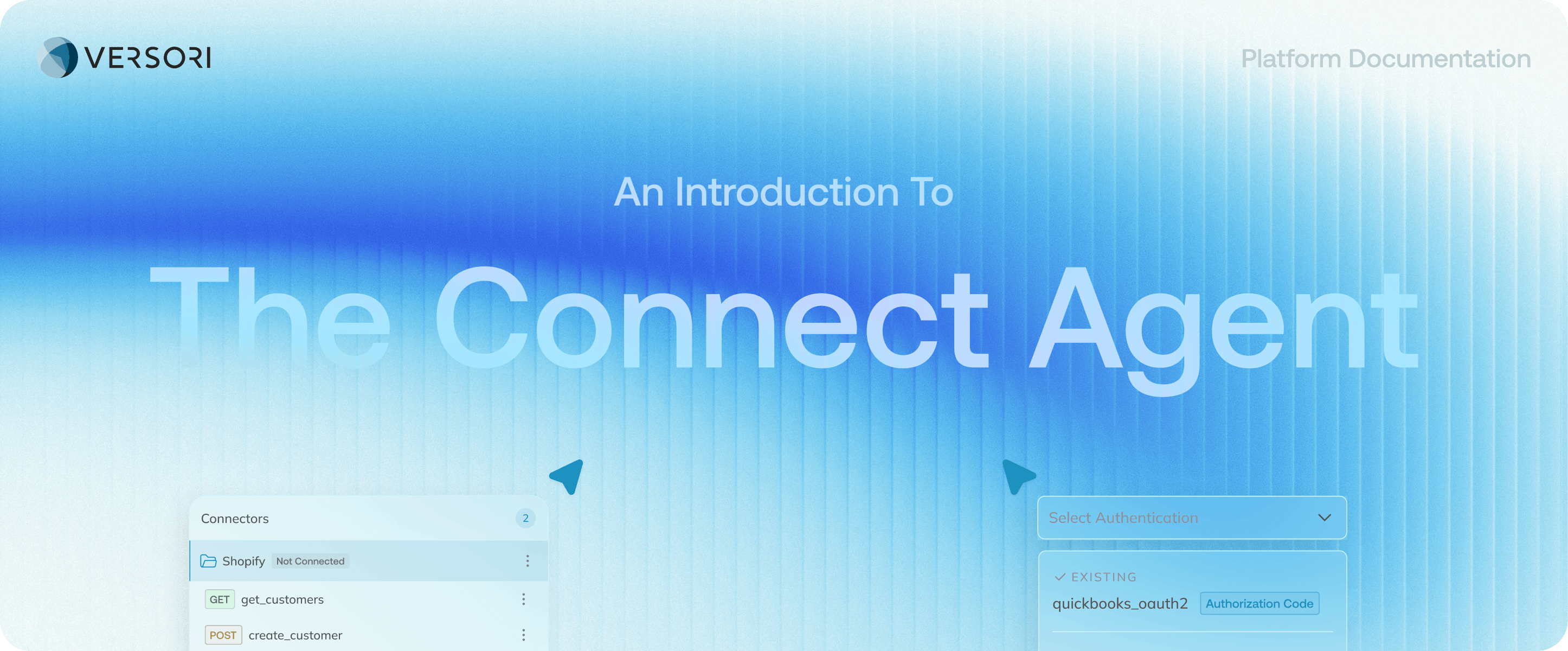
Versori UI hovering on a light blue gradient background.

Manage Systems, APIs & Authentication The Connect Agent helps you define how Versori interacts with external

systems. It creates or reuses Connectors for the APIs you’re integrating and configures Connections with the credentials needed to access them. This ensures your workflows can securely communicate with external services.

Connectors

A Connector defines how Versori interacts with an external system. It typically includes:
  • The base API URL
  • Supported protocols
  • Available operations or endpoints
Authentication schemes (for example API keys or OAuth 2.0) Connectors act as reusable definitions of an API and can be shared across multiple integrations.

Connections

A Connection provides the credentials and environment configuration required to use a Connector. This might include:
  • API keys or OAuth credentials
  • Environment configuration (sandbox vs production)
  • Account-specific settings
A single Connector can support multiple Connections for different environments or accounts.

Connect Agent Tips

Start with minimal permissions: Grant only the scopes or permissions required for your integration, then expand if necessary. Test OAuth flows in sandbox environments: Before connecting production accounts, verify the full OAuth flow using a sandbox or test tenant. Understand API limits and behaviour: Capture details such as pagination, rate limits, and common error responses so your workflows can handle them reliably.

What to do Next

Once your systems and authentication are configured, you’re ready to build your integration logic. The Build Agent helps you implement workflows, transform data between systems, and test your integrations using Versori’s SDK, visual flow tools, and AI-assisted development environment. Next: The Build Agent