

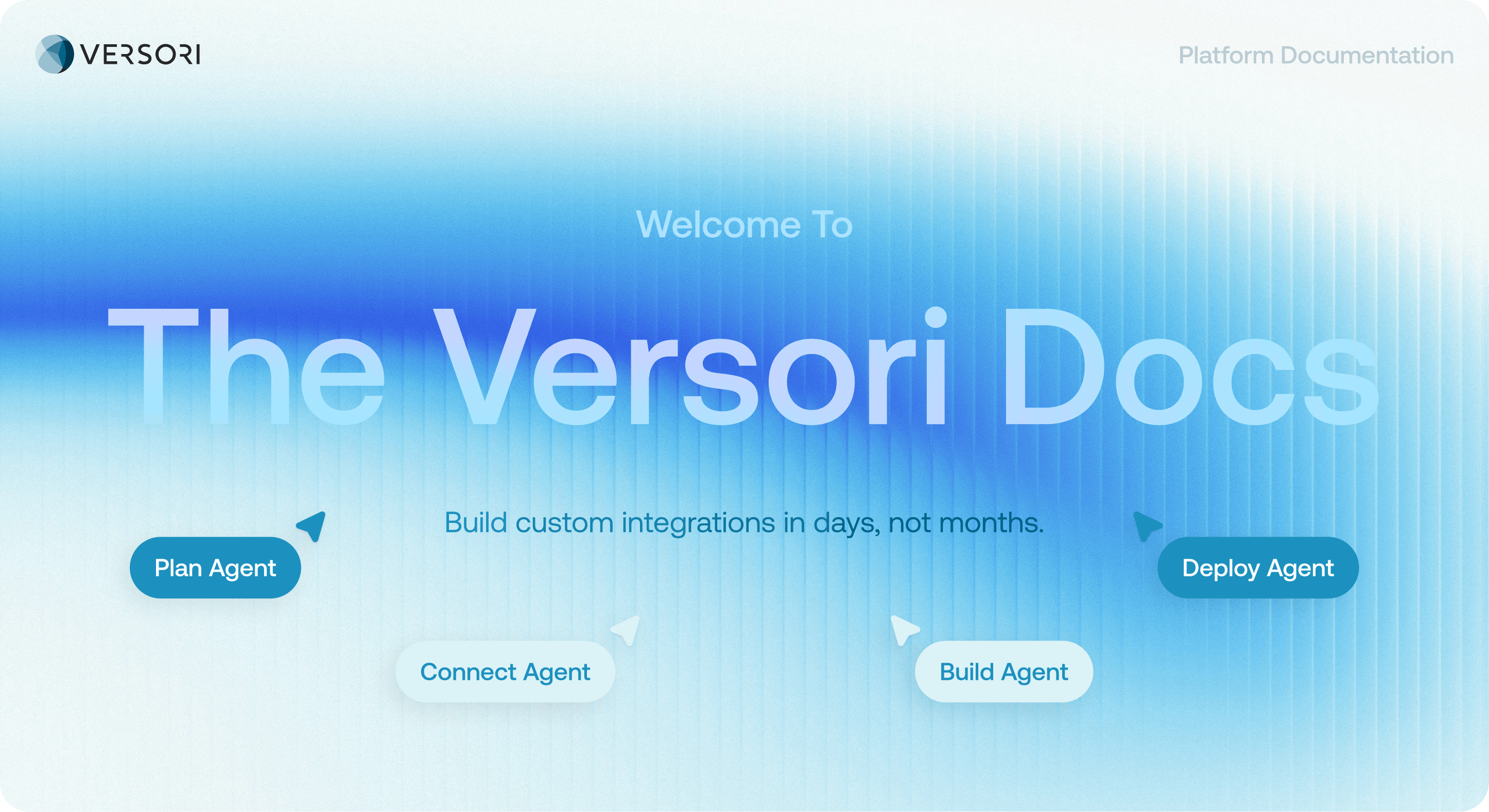
How It Works: The Integration Lifecycle
Building integrations on Versori follows a simple structure. You define what the integration should do, connect the systems involved, build the workflow logic, and deploy it to production.- Plan: Define your scope, objects/fields, auth and success criteria. The Plan agent researches the systems involved and your requirements to produce a structured plan for the workflows needed.
- Connect: Create or reuse Connectors to define how Versori interacts with external APIs, then configure Connections with the credentials needed to access them.
- Build: Develop workflows and data transformations within a Project, with the option to edit code directly or explore the workflow visually in Flow mode.
- Deploy: Deploy your Project to production, with built-in tools for versioning, logging, tracing, and monitoring to help you run integrations reliably.
Key Concepts: The Versori Building Blocks
Versori integrations are built from a small set of core components. Understanding these building blocks will help you design, build, and run integrations more effectively.- Connectors: Define how Versori interacts with an external system, including the API, authentication scheme, and available operations.
- Connections: Provide the credentials and environment configuration for a Connector, allowing Versori to securely access a specific account or system.
- Run SDK: A runtime toolkit for executing and testing Projects locally or within CI pipelines.
- Deployment: Moves a Project from development to production, where integrations can run reliably and be monitored.