

- Documentation
- Video Guide
1. Upload an OpenAPI specification file
First you need to upload an OpenAPI specification file. This file describes the REST API you want to onboard. These files can be either.yaml or .json files.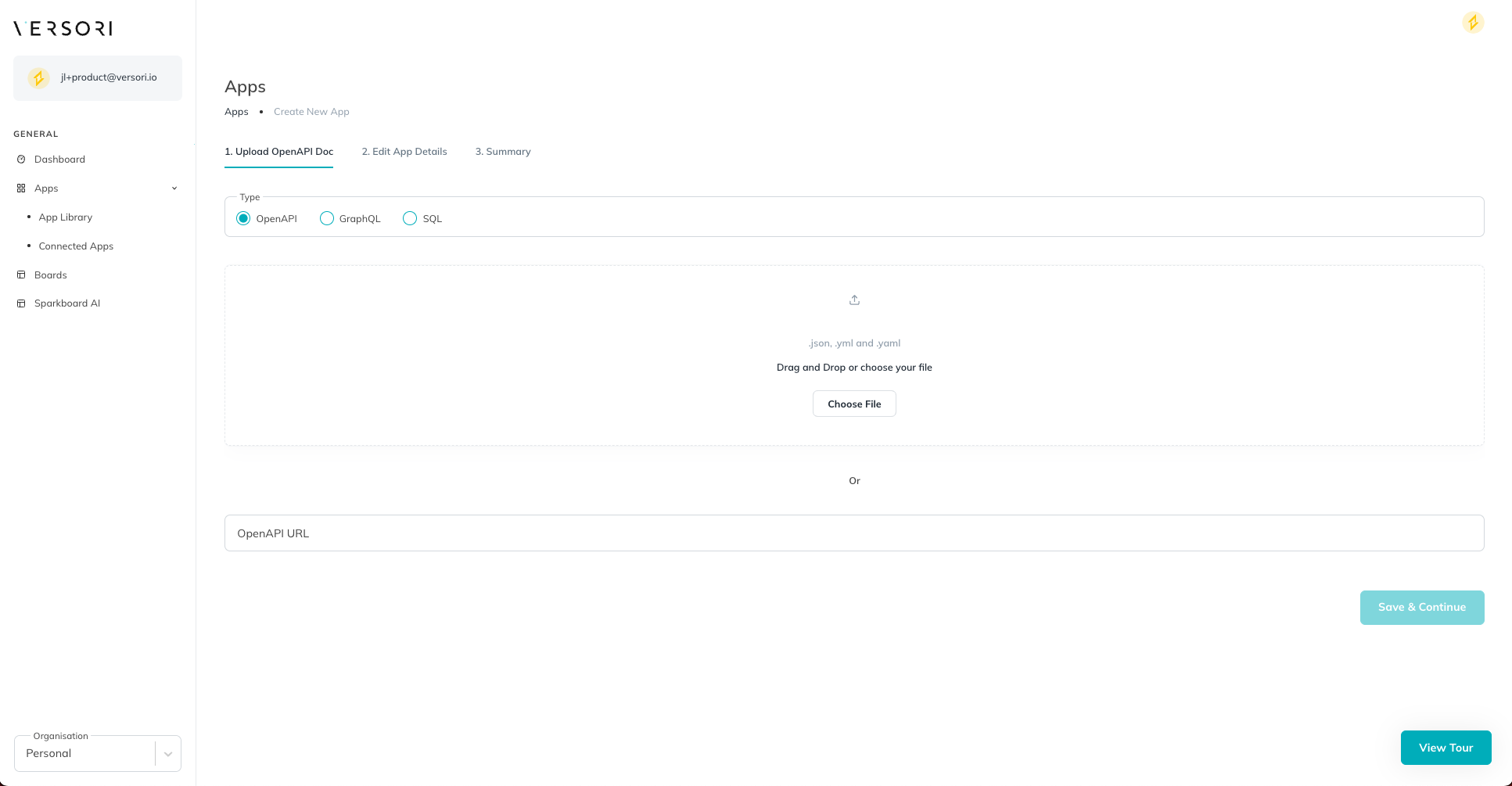
Either upload a spec, or provide a hosted url and we can fetch it
2. Upload a logo
You can upload a logo for your app. This helps identify your systems at a glance.
Upload a logo for your app
3. Configure your app
You can configure your app by providing a name. This is also used to help identify your app in the Versori UI.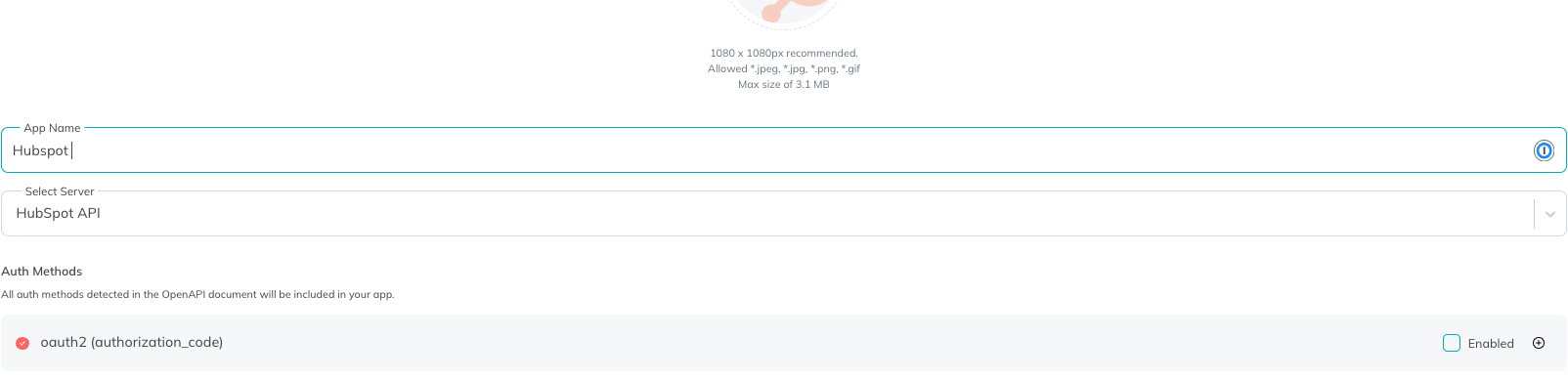
Configure your app
4. Select a server
From the available servers in your specification, select the one you want to call your requests against.
Select a server
5. Auth Methods
AllsecuritySchemes defined in your specification are available here to configure and enable/disable for your app.
Configure Auth Methods
OAuth2
OAuth2
We current support the following OAuth2 flows:
- Authorization Code
- Client Credentials
client_id and client_secret and enable the flow.Configure OAuth2 (Authorization Code)
API Key
API Key
Configure your API Key name which part of your requests it should be sent with.
Configure API Key
HTTP Refresh
HTTP Refresh
This method allows custom implementations of auth where request are to be made in order to complete the auth flow.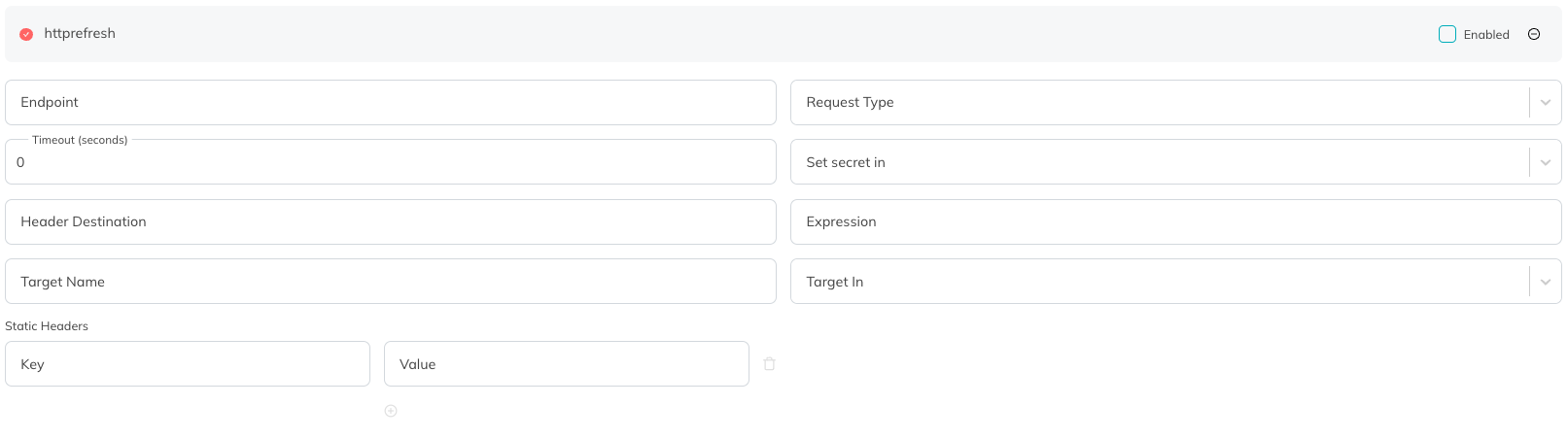
Configure HTTP Refresh