> ## Documentation Index
> Fetch the complete documentation index at: https://docs.versori.com/llms.txt
> Use this file to discover all available pages before exploring further.
# Variables
The Variables tool allows you to update the global variables during board execution. Global variables can be used by
selectors anywhere in the board. The global variables are defined from the UI and you can view and update the current
value of a variable.
### Configuration
The Variables tool doesn't have any configuration but it will update the value of a variables based on the input
provided. If you have a board where you want to update a global variable you can use a datamapper or a trnasformer
before the variables tool to update the value of the variable.
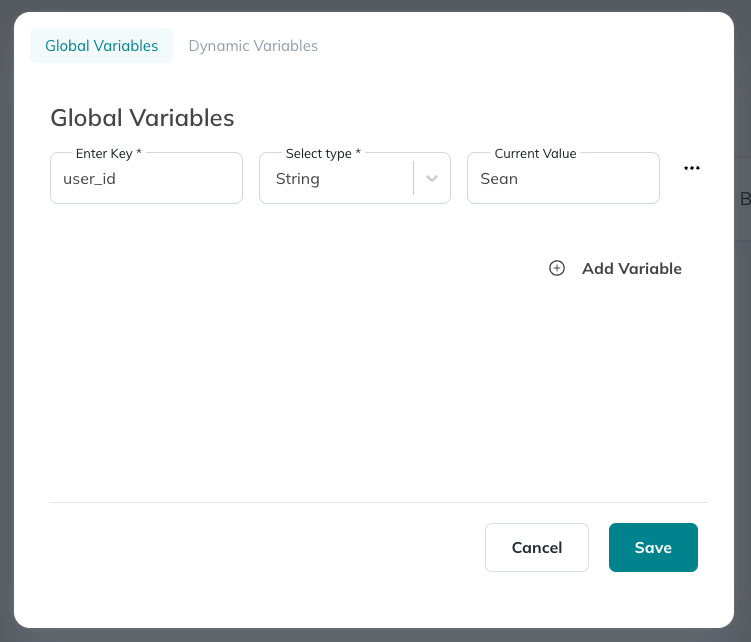
### Viewing Global varaibles
Global varaibles are viawable in the UI and you can see the current value of the variable.
 ### Example usage
Update global varaible from a board
### Example usage
Update global varaible from a board
