> ## Documentation Index
> Fetch the complete documentation index at: https://docs.versori.com/llms.txt
> Use this file to discover all available pages before exploring further.
# Plan Questions
Sometimes the research stage cannot identify all the information required to plan the integration, in this case the user
will be prompted to answer the questions to fill in the gaps.
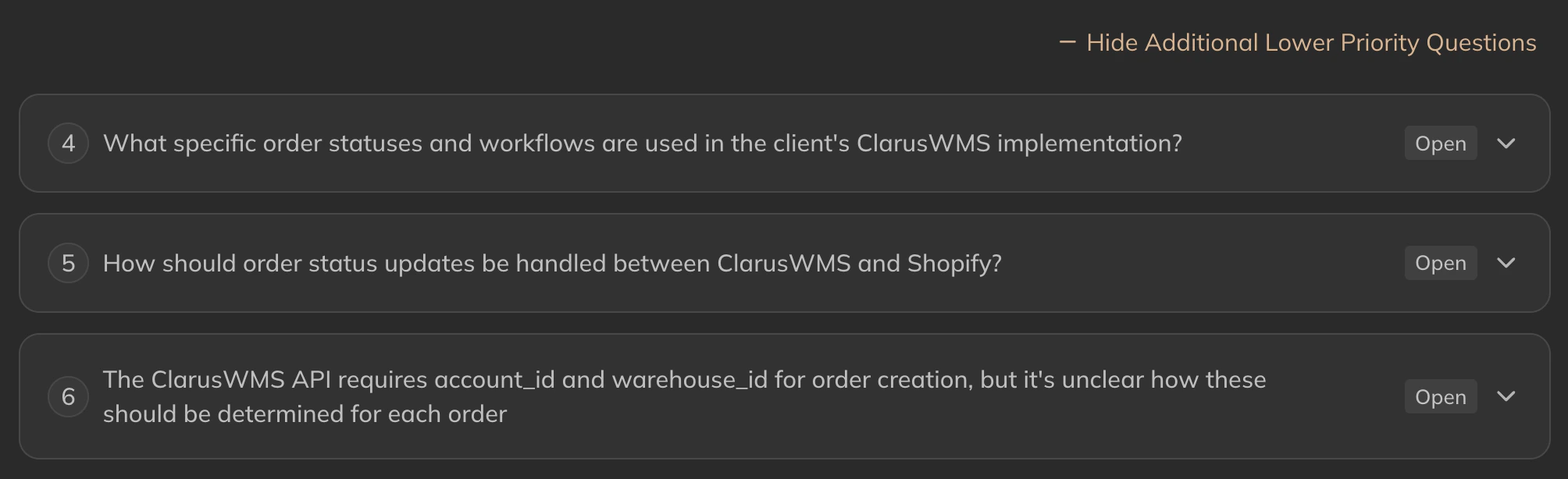
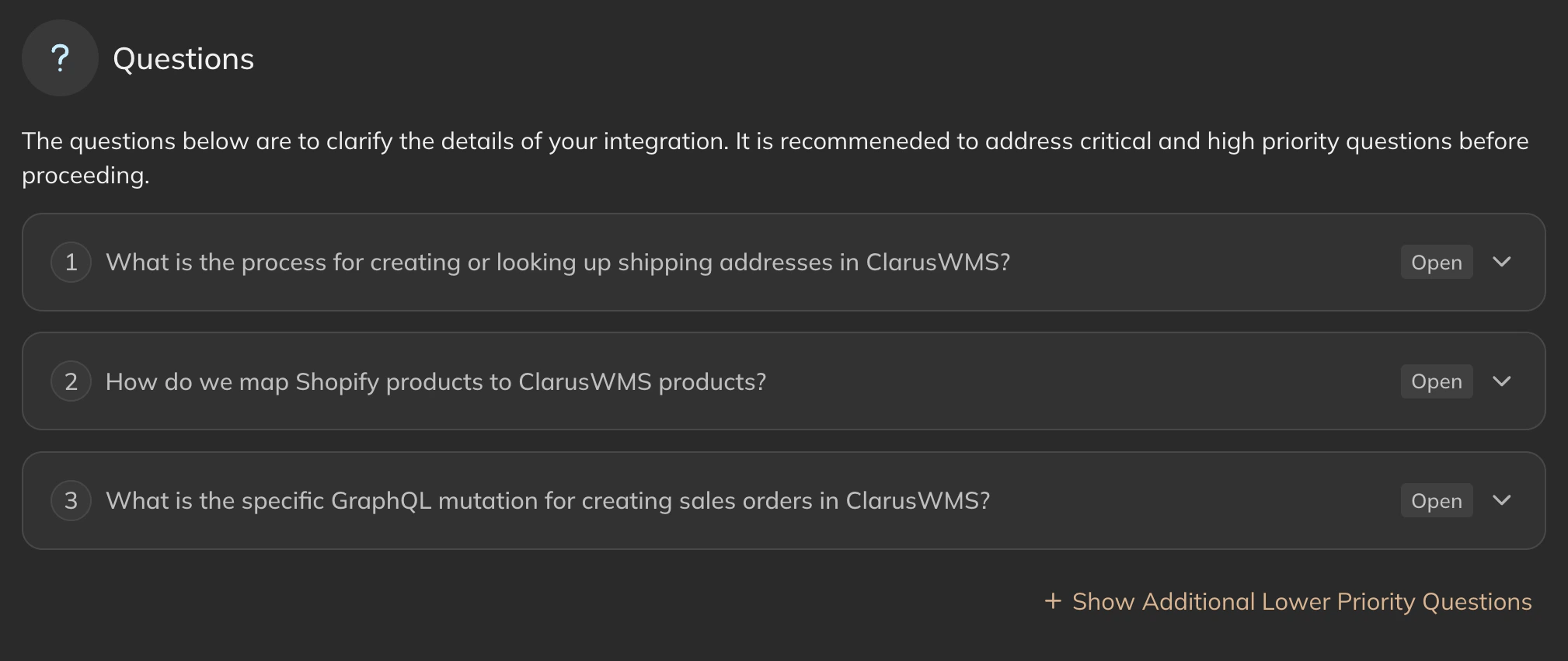 Different questions are ranked by how important they are to the success of the integration. By default, only "Highly
recommended" questions are shown, but lower priority questions can be shown by clicking the "Show Additional Lower
Priority Questions" button.
Different questions are ranked by how important they are to the success of the integration. By default, only "Highly
recommended" questions are shown, but lower priority questions can be shown by clicking the "Show Additional Lower
Priority Questions" button.
 When the user has answered all the questions, they can click the "Next" button to continue to the next step.
## Answering questions
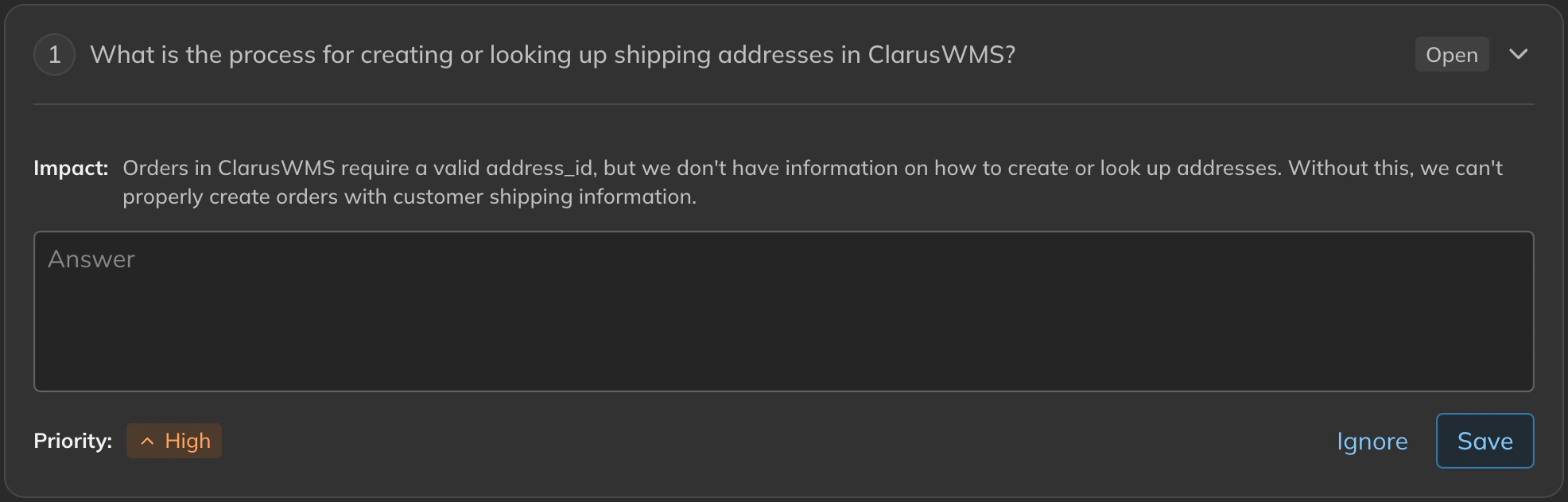
Clicking on a question will expand the content and allow the user to provide their answer. Alternatively, the user can
ignore the question by expanding the question and clicking the "Ignore" button.
When the user has answered all the questions, they can click the "Next" button to continue to the next step.
## Answering questions
Clicking on a question will expand the content and allow the user to provide their answer. Alternatively, the user can
ignore the question by expanding the question and clicking the "Ignore" button.
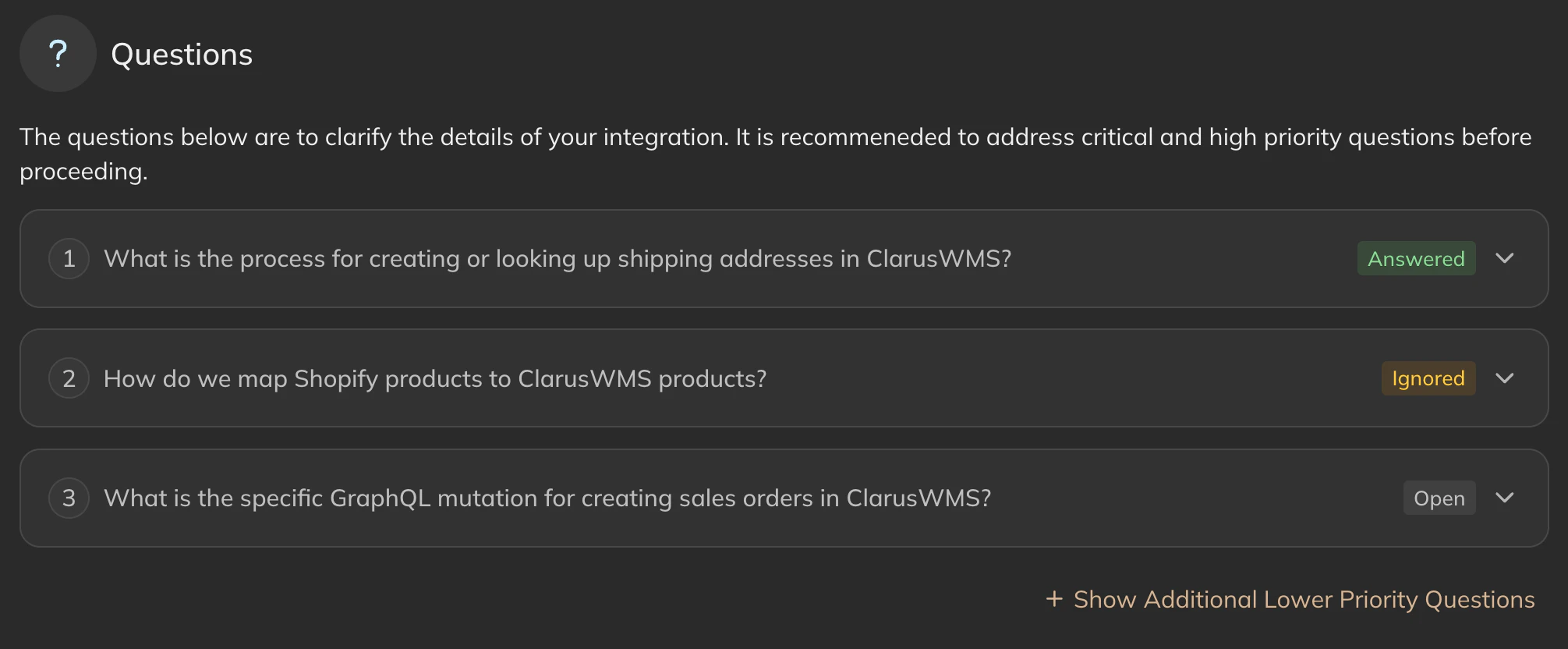
 As questions are answered or ignored, the UI will be updated to reflect the progress.
 Answering/ignoring questions is optional, but is recommended so that when revisiting the research tab you can see
how you answered the questions previously.
Once all questions have been answered, the user can either re-prompt the research agent to perform more research, or
move onto the next step and [Connect](/latest/guides/getting-started/connect) their systems.
Answering/ignoring questions is optional, but is recommended so that when revisiting the research tab you can see
how you answered the questions previously.
Once all questions have been answered, the user can either re-prompt the research agent to perform more research, or
move onto the next step and [Connect](/latest/guides/getting-started/connect) their systems.